












When you urgently need to register a new Google account or regain access to an old one, and you encounter the message “This phone number has been used for too many verifications,” it can be incredibly frustrating. This article will break down why this issue occurs and provide the latest, most effective solutions for 2026 to help you quickly resolve the problem and regain access to your account.
I. Why Does Google Show “This Phone Number Has Been Used for Too Many Verifications”?
Google has set this limitation as part of its anti-fraud and abuse prevention system. Each phone number in Google’s system has an invisible “trust score” and “verification quota.”
1.Risk Control Logic
The “This phone number has been used for too many verifications” message does not necessarily mean your phone number has been verified many times. Instead, it indicates: “We do not trust your current login environment; please prove you are not a robot.”
- Verification frequency limit: A single number is strictly limited to verifying accounts within a short period (24 hours to 7 days). Google has not disclosed the exact threshold, but it is likely around 3-5 verifications per week.
- Associated account detection: If the number has been linked to multiple banned, flagged, or suspected accounts, its trust score will be lowered.
- IP and device fingerprints: This is one of the most common causes of false detection. Even if your phone number is new and specifically used for Google account registration, you may still see the “This phone number has been used for too many verifications” message. Google not only checks the phone number but also the environment in which it is used. If the IP address used for registration does not match the phone number’s origin, it may trigger this warning.
2.Five Common Scenarios that Trigger the Error
- Frequent IP changes: Switching between home broadband, corporate networks, or cross-border VPNs within a day will make the system consider your behavior inconsistent with real users, lowering the phone number’s trust score.
- Using polluted IP nodes: If the VPN or proxy IP has been used for bulk registration or black/grey market activities, even if you are using it normally, your phone number will be flagged.
- Immediate security setting changes after registration: Changing the password, altering the secondary email, or linking a new phone immediately after registration will be identified as non-owner actions.
- Using non-mainstream or unofficial browsers: Accessing Google services through custom browsers or modified Chrome versions may cause the device fingerprint to appear unusual, leading to identification as an automated script environment.
- First-time access to Google AI services: Old accounts that have not been active for a long time and first log into Gemini or other Google AI services face stricter risk controls. If the phone number is near the verification limit, it may easily trigger this restriction.
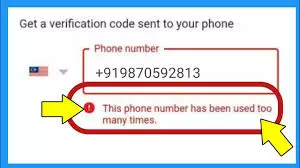
II. Four Solutions for the “This Phone Number Has Been Used for Too Many Verifications” Error
1.Switch to a Clean Network Environment
In most cases, the error is not caused by the phone number itself exceeding its verification limit, but rather by the trust score of the current IP address being too low. Google flags the suspicious IP along with the phone number.
What is a polluted IP?
- Data center IP: IPs linked to AWS, DigitalOcean, Google Cloud, etc., rather than home broadband providers. Google knows these IPs are not from real residential users and applies stricter risk controls.
- Shared IP from airports: If multiple users share an IP, it will be downgraded if anyone uses it for bulk registrations or malicious traffic.
- Blacklist records: IPs flagged for abuse or fraudulent activities.
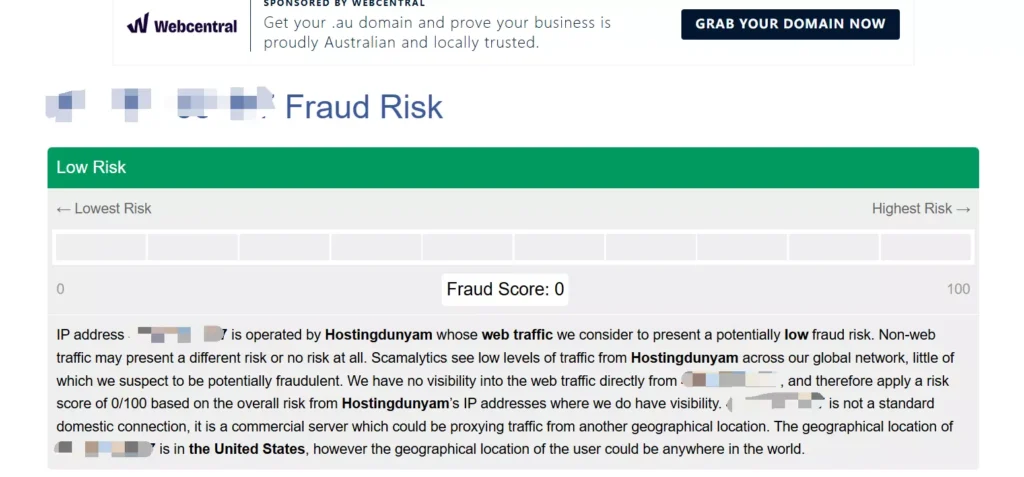
- High fraud score: IPs with risk scores above 75 on platforms like Scamalytics.
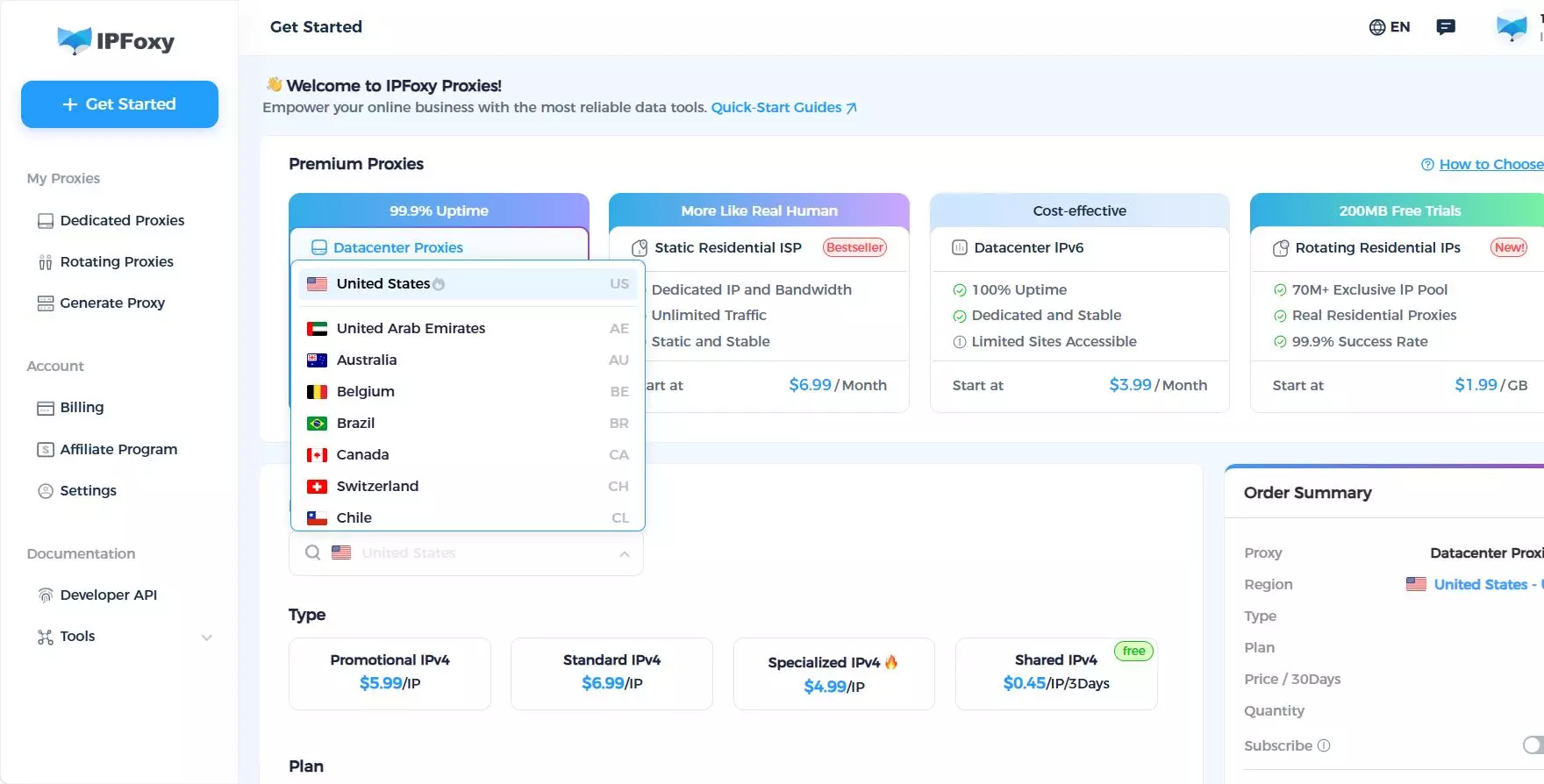
- Solution: Change to a clean network environment. A dedicated static residential proxy from IPFoxy can provide a more reliable and trusted IP, belonging to real home broadband operators, with a low fraud risk score on detection tools like Scamlytics.
2.Wait for the Cooling-Off Period
This is the simplest yet safest method, especially if the issue is due to exceeding the verification frequency limit.
- Light restriction: Wait for 7 days and avoid using the number for any Google verification during this period.
- Medium restriction: Wait for 30 days and avoid logging into any Google account on that device.
- Heavy restriction: If the restriction persists for over 3 months, it is advisable to abandon the number for Google services.
- Note: Every failed verification attempt will reset the cooling period countdown. Avoid making further attempts during the wait.
3.Appeal for Manual Review
This method works best if you already own the account and are blocked during the recovery process, with a much higher success rate compared to appeals without an account.
- On the error page, click “Try another way” → “Need more help?”
- Fill out the account recovery form, clearly stating: “This is my personal phone number, which has been used for X years, not for bulk registration,” and provide supporting evidence, such as device model, first registration date, and usual login city.
- Be sincere and objective in your explanation to avoid complaints or emotional expressions.
- Typically, you will receive a response within 3-5 business days.
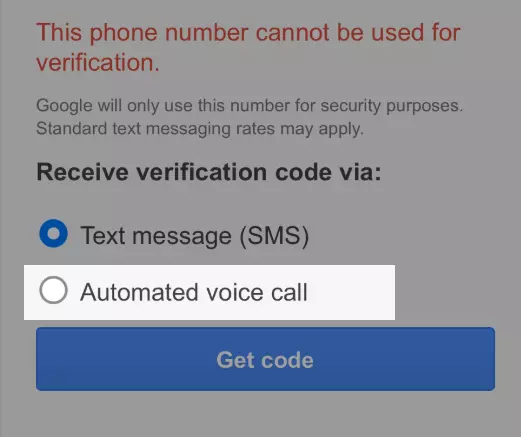
4.Switch to Automated Voice Verification
Google’s automated voice verification is less restrictive compared to SMS verification.
How to use:
- On the verification page, select “Verify by phone.”
- Wait for a call from Google (international call).
- Answer and hear the 6-digit verification code.
- Record and enter the code.
III. How to Avoid Triggering the “This Phone Number Has Been Used for Too Many Verifications” Error
1.Control Verification Frequency
- Limit the number of Google accounts linked to a single phone number to no more than 3.
- Avoid linking or unlinking a phone number to a single account more than twice during its lifecycle.
- Allow at least 24 hours between each verification attempt to avoid triggering the error.
2.Maintain Standard Account Operation
- After successfully registering an account, avoid changing the password, linking a phone number, or updating the secondary email immediately. It’s recommended to use the account normally for 3-7 days to simulate real user behavior.
- Avoid frequently switching multiple accounts on the same device, as this will trigger Google’s risk control.
- Do not use unofficial or modified browsers to access Google services. Stick to official browsers like Chrome, Edge, or Safari.
3.Use Isolated IPs and Devices
When registering multiple Google accounts, ensure proper isolation:
- Device isolation: Achieved using Anti-detect browsers, VPS, or physical isolation.
- IP isolation: Ensure each device uses one account and one IP. Avoid using shared proxies or frequently switching IPs, as Google may flag this as abnormal behavior.
- A dedicated static residential proxy service like IPFoxy offers better IP authenticity compared to broadcast or server IPs, ensuring that the IP’s location matches the registration location, minimizing the risk of detection as a virtual account.
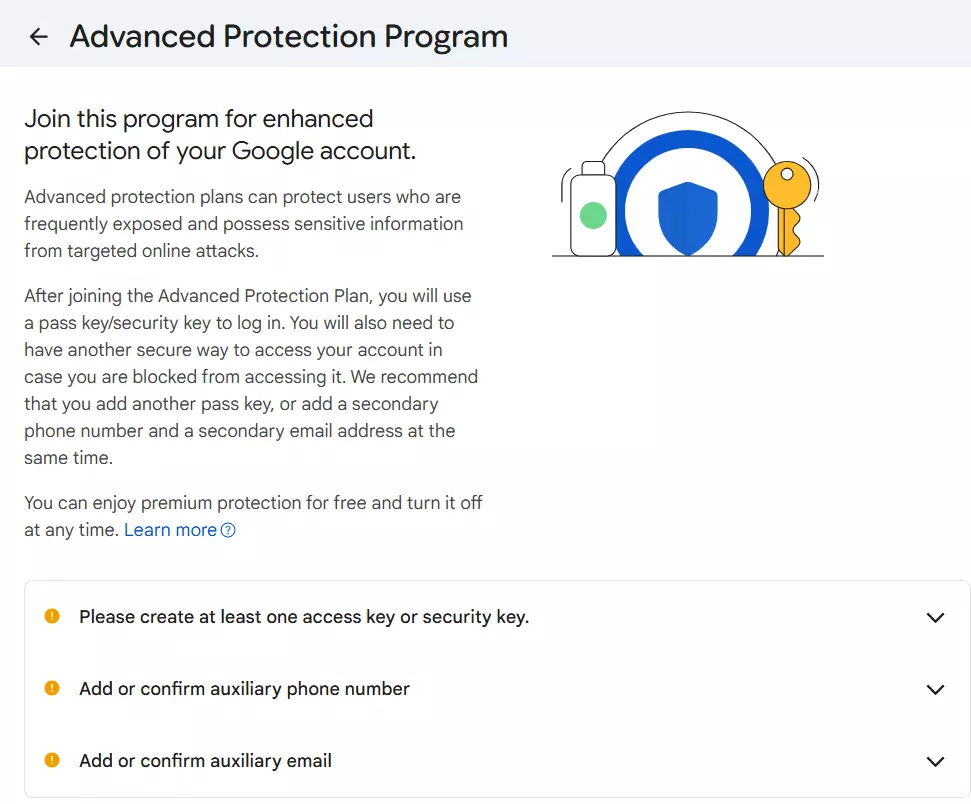
4.Apply for Google Advanced Protection Program
Google’s Advanced Protection Program eliminates the need for phone number verification, replacing it with hardware keys. However, you need at least two hardware keys (like YubiKey), and the account must have no violations.
IV. FAQ
Yes, Google restricts the phone number itself, not the specific account. Changing the account or device does not resolve the issue if the number remains the same.
No, Google has completely blocked this loophole. Google Voice numbers cannot be used for new account registrations or first-time verification; they can only be used for two-step verification on already linked accounts.
There is no official recovery time. Based on user tests: light restrictions last 7-30 days, medium restrictions 14-45 days, and heavy restrictions may require abandoning the number if it’s flagged for fraud or associated with a banned account.
V. Conclusion
In summary, when facing the “This phone number has been used for too many verifications” error, the issue can often be resolved by adjusting verification frequency, using clean network environments, or appealing for manual review. The key is to avoid triggering Google’s risk control mechanisms by maintaining stable and natural account operation. This guide should help you regain access to your account or register a new one and continue enjoying Google services.

