Browser automation is rapidly becoming a core part of modern developer, operations, and enterprise tool stacks. Whether you’re running automated testing, web scraping, or building AI Agents, choosing the right framework often determines whether a project can scale successfully. This guide breaks down seven of the most popular browser automation tools in 2026 and helps you identify the best fit for your use case.
I. What Is Browser Automation?
Browser automation refers to using software to control a web browser automatically. Tasks like opening pages, clicking buttons, filling forms, and extracting data are all handled by code instead of humans. Technically, most modern tools rely on WebDriver protocols or the Chrome DevTools Protocol (CDP).
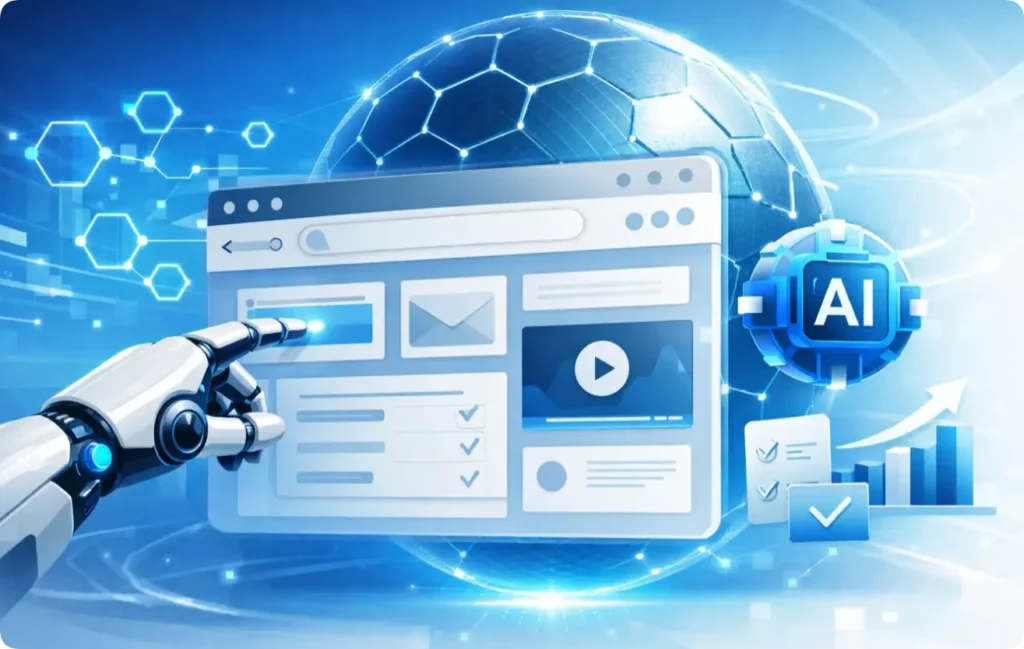
With the rise of large language models, AI Agent-driven browser automation has also emerged. Instead of depending entirely on hardcoded CSS selectors, these tools allow LLMs to understand webpages and decide the next action autonomously, significantly reducing script maintenance costs.
Today, browser automation goes far beyond traditional testing. Common use cases include:
- Automated testing
- Web scraping and data extraction
- AI Agents
- Ecommerce operations
- Social media account management
- RPA office automation
- SEO monitoring
- Ad campaign automation
II. Top 7 Browser Automation Tools in 2026
Modern browser automation tools can generally be divided into four categories: modern automation frameworks, traditional testing frameworks, AI Agent browser tools, and enterprise low-code RPA platforms.
1. Playwright
Playwright supports Chromium, Firefox, and WebKit, making it one of the few frameworks with true multi-browser engine support.
Key advantages:
- Automatically waits for elements to become actionable
- Can intercept, modify, and mock network requests
- Built-in sharding and parallel execution
- Includes powerful visual debugging tools like Trace Viewer
Recommended for: frontend automation testing, cross-browser scraping projects, and highly stable CI/CD automation pipelines.
2. Puppeteer
Puppeteer integrates deeply with Chrome and delivers fast startup performance with excellent headless browser support.
Key advantages:
- Easy installation and setup
- Supports screenshots, PDF generation, and performance tracing
- Strong compatibility with SPA and dynamically rendered websites
- Closely synchronized with Chrome releases
Recommended for: Chrome-focused scraping tasks, screenshot/PDF generation services, and frontend performance monitoring.
3. Selenium
Selenium supports nearly every major browser and programming language, with one of the largest automation communities available.
Key advantages:
- Comprehensive cross-browser and cross-language support
- Mature ecosystem with abundant troubleshooting resources
- Compatible with most CI/CD pipelines
Recommended for: enterprise testing projects, Java-based teams, and maintaining legacy automation systems.
4. Cypress
Cypress is known for its outstanding debugging experience. Its time-travel snapshots make locating UI bugs extremely intuitive.
Key advantages:
- Real-time reload and automatic waiting
- Built-in Dashboard for test recording and parallel execution
- Excellent component testing support for React, Vue, and other modern frameworks
Recommended for: frontend UI regression testing, component testing, and E2E web application testing.
5. Browser Use
Browser Use enables any LLM to operate a browser as an autonomous Agent. You simply describe the goal in natural language, and the Agent handles navigation, clicking, form filling, and extraction automatically.
Key advantages:
- AI Agent autonomously plans and executes multi-step workflows
- Supports multi-tab execution and cross-page memory
- Compatible with Ollama and mainstream LLM providers like OpenAI
- Supports both visual understanding and DOM-based interaction
Recommended for: AI Agent development, multi-site automation tasks, and rapid workflow prototyping.
6. Stagehand
Stagehand focuses on “predictable AI automation.” Unlike fully autonomous AI Agents, it allows developers to precisely control which steps are handled by AI and which remain deterministic code.
Key advantages:
- Hybrid AI + code execution
- Structured data extraction support
- Reduced maintenance when DOM structures change
- Built-in caching for previously executed actions
- Model-agnostic architecture with easy model switching
Recommended for: production-grade AI automation workflows, AI-assisted scraping systems, and strongly typed data extraction pipelines.
7. UiPath
UiPath uses a visual drag-and-drop workflow builder, allowing teams to create complex automation processes without deep programming expertise. Beyond browsers, it can automate desktop applications, SAP, Excel, and enterprise systems.
Key advantages:
- Low-code/no-code workflow designer
- Enterprise-grade governance and centralized management
- Built-in AI capabilities for adaptive automation
Recommended for: office automation, enterprise workflow automation, ERP/OA batch operations, and organizations managing large-scale robot deployments.
III. 4 Strategies to Improve Browser Automation Success Rates
Automation failures are not always caused by the framework itself. Running browser automation reliably in production requires handling increasingly advanced anti-bot systems.
1. Make Automation Behave More Like Humans
Modern anti-bot systems analyze mouse movements, scrolling behavior, typing cadence, and interaction timing — not just User-Agent strings.
Recommended approaches:
- Add randomized delays between actions
- Simulate realistic mouse movement paths using Bézier curves
- Rotate HTTP headers like User-Agent and Accept-Language
- Control concurrency and avoid aggressive request bursts
2. Handle Headless Browser Detection
Headless browsers remain highly detectable. Common signals include navigator.webdriver, missing GPU information, and abnormal browser fingerprints.
Recommended approaches:
- Use playwright-extra with stealth plugins
- Configure realistic viewport sizes and device parameters
- Run headed mode for high-security websites when necessary
- Use official stable browser builds to reduce fingerprint inconsistencies
3. Use Real Residential Proxy Services
IP reputation remains one of the easiest dimensions for anti-bot systems to detect. Datacenter proxies, high-frequency requests, and excessive account switching can quickly trigger bans or verification challenges.
For large-scale browser automation projects, a stable proxy infrastructure is essential. Recommended selection criteria include real residential IPs, low reuse rates, geo-targeting support, and connection stability.
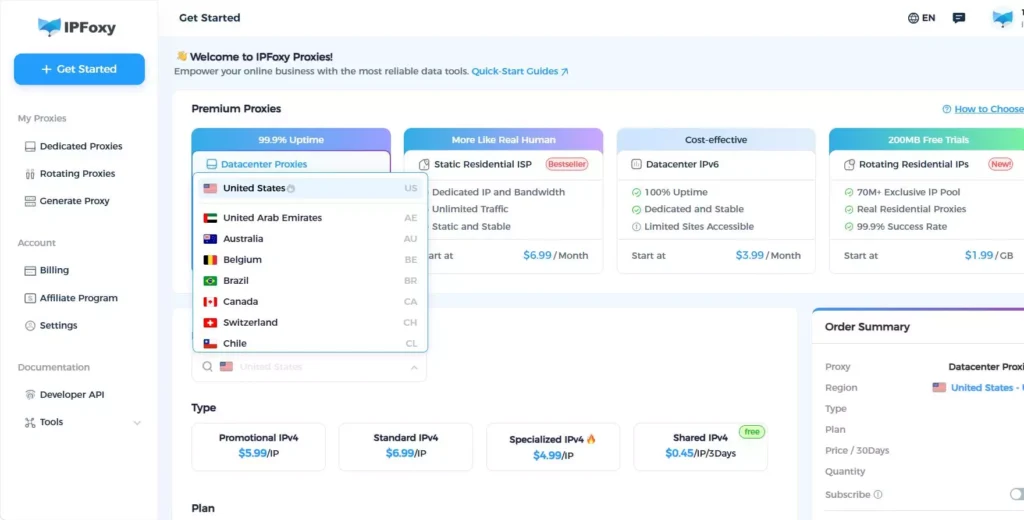
For example, IPFoxy Proxies provides high-purity rotating residential proxy resources with scalable IP rotation capabilities, supports city-level targeting across 200+ locations, and offers both IP rotation and protocol rotation features. It is suitable for ecommerce monitoring, ad verification, and other automation scenarios that require high-quality proxy environments while reducing account association and blocking risks.
4. Maintain Environment Consistency
Browser fingerprinting systems analyze dozens of attributes simultaneously, including Canvas fingerprints, font lists, GPU information, screen resolution, and OS consistency.
Recommended approaches:
- Use automation-focused browser environments with consistent fingerprint configurations
- Pair isolated browser environments with dedicated proxies
- Ensure OS and GPU driver parameters remain logically consistent
- Avoid switching proxies frequently within the same browser profile
IV. FAQ
Browser automation is one of the foundational capabilities of AI Agents. Traditional automation relies on deterministic scripts, while AI Agents add LLM-based reasoning and decision-making, allowing them to adapt to layout changes and execute multi-step workflows more flexibly.
Automated testing validates whether your own product behaves as expected in controlled environments, focusing on assertions and reporting. Web scraping extracts information from third-party websites and must deal with anti-bot systems, proxy management, and IP blocking.
Yes — and detection systems are becoming increasingly sophisticated. Modern anti-bot systems evaluate behavioral patterns, browser fingerprints, IP reputation, and request consistency simultaneously. Changing the User-Agent alone is no longer enough.
V. Conclusion
Automation frameworks are only the starting point. What truly determines whether a browser automation project can run reliably at scale is the overall engineering strategy — including anti-detection techniques, proxy management, browser fingerprint isolation, and account separation. Define the actual business scenario first, then choose the right tool accordingly.