












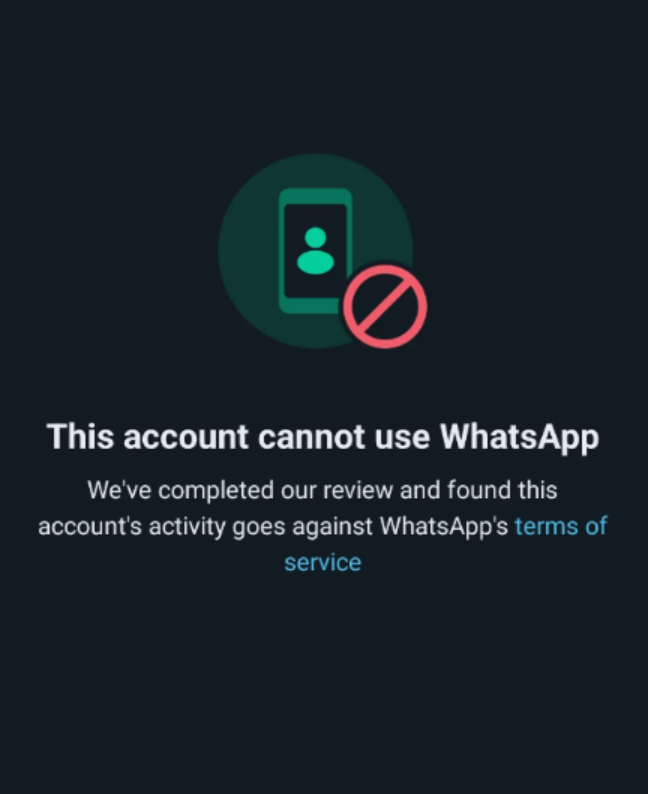
When using WhatsApp, account bans can occur, especially when engaging in business marketing or frequent interactions. Understanding the common causes of account bans and taking effective steps to restore your account are crucial for ensuring long-term stable use. In this guide, we will explore how to avoid bans, unban your account, and implement preventative measures to enhance your WhatsApp experience.
I. Common Reasons for WhatsApp Account Bans
1.User Behavior and Habits:
- Mass Messaging: Sending messages to a large number of users, especially strangers, in a short time frame.
- Advertising and Marketing: Sending unsolicited messages containing advertising links before receiving user consent.
- Feature Abuse: Frequently creating or joining groups, or adding strangers to groups without their consent. Using WhatsApp’s broadcast feature to send mass messages to contacts.
- Sending Violating Content: Sharing illegal, pornographic, gambling, or phishing content can directly result in an account ban.
2.Account Reputation and Trust:
- Account Age and Reputation: New accounts have lower trust levels and are more closely monitored, whereas older accounts generally face less risk. Paid business accounts tend to have higher reputation scores than regular user accounts.
- User Reports: Frequent reports from other users can lead to the account being flagged by WhatsApp.
- New Accounts at Risk: Newly registered accounts are more likely to be monitored closely. Sending unsolicited messages or engaging in mass marketing actions can lead to account suspension or ban.
3.Device and Network Environment:
- IP Address Flags: Multiple people sending bulk messages from the same IP address may result in account bans, even if no violations occur.
- Frequent IP Switching: Rapidly changing IP addresses, especially when switching between countries or regions, may trigger WhatsApp’s ban system.
- Device and Network Changes: Logging in from multiple devices or unfamiliar networks can be flagged as suspicious activity.
- Proxy Issues: Using shared or unclean proxy IPs can cause accounts to be flagged as high-risk.
4.Other Actions and Software:
- Third-Party Clients or Plugins: Using unofficial WhatsApp clients or automation plugins (like GB WhatsApp or WhatsApp Plus) can trigger a ban.
- Spam and Junk Messages: Sending bulk spam messages or using purchased contact lists for advertising can result in your account being banned for junk content.
II. How to Quickly Unban Your WhatsApp Account: Step-by-Step Process
1.Back Up Your Chat History
If your account gets banned, backing up your chat history will help recover important data:
- For Android: Use the file manager to export encrypted files from the /sdcard/WhatsApp/Databases folder.
- Cloud Backup:
Android: Go to WhatsApp Settings > Chats > Chat Backup, and link to Google Drive for periodic backups.
iPhone: Enable iCloud backup under Settings > WhatsApp > Chat Backup.
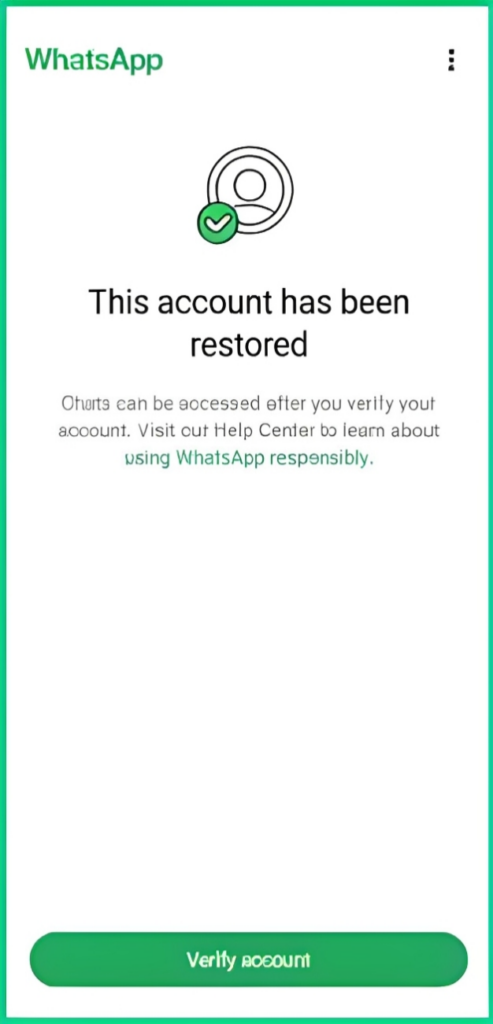
2.Official Method – In-App Appeal
When banned, open WhatsApp to see the ban notification and click “Request a Review”. Provide a concise appeal (3-6 lines) and submit. Be clear and precise about why your account was banned (e.g., number change, added contacts) and confirm you did not violate any rules.
Wait 1-3 business days for feedback, either via unban or WhatsApp email notification.
Email Appeal
If the in-app appeal does not resolve the issue, send a detailed email to support@whatsapp.com or wa@support.whatsapp.com.
Email Template:
Dear WhatsApp Team,
My account 【Your phone number】 was banned after I switched to a new number and notified my existing contacts. I did not send spam or use third-party tools. It may have been a false flag.
I did not engage in any spamming, nor did I disturb strangers or violate WhatsApp’s terms of service.
This number is important for my client communication, and I kindly request you to review and reinstate my account. I will be more careful with my actions in the future to ensure full compliance with WhatsApp’s policies.
Thank you for your attention and support. I look forward to your response.
Best regards,
Your name
III. WhatsApp Account Safety Guide: Improving Account Survival Rate
1.Initial Recovery Actions
- Communication Guidelines: After unbanning, communicate only with 3-5 existing contacts. Add no more than 5 new contacts per day and engage in meaningful conversations. Avoid adding strangers in bulk.
- Avoid Mass Messaging: For the first few days post-unban, avoid sending bulk messages, especially ads, links, or promotions. Gradually re-engage with new contacts in a natural way.
2.Simulate Real User Behavior
- Natural Interaction: Avoid instant replies to messages; maintain natural pauses between responses.
- No Repetitive Content: Avoid sending the same messages repeatedly, especially ads or promotional content.
- Increase Voice and Video Calls: Make occasional video or voice calls to boost account activity and credibility.
- Control Interaction Frequency: Maintain a reasonable message send rate, keeping it under 50 messages per day and spreading them out.
3.Avoid High-Risk Activities
- Limit Group Chats: Avoid creating new groups, especially for business purposes. If joining groups, ensure members are known contacts and avoid sending unsolicited advertisements.
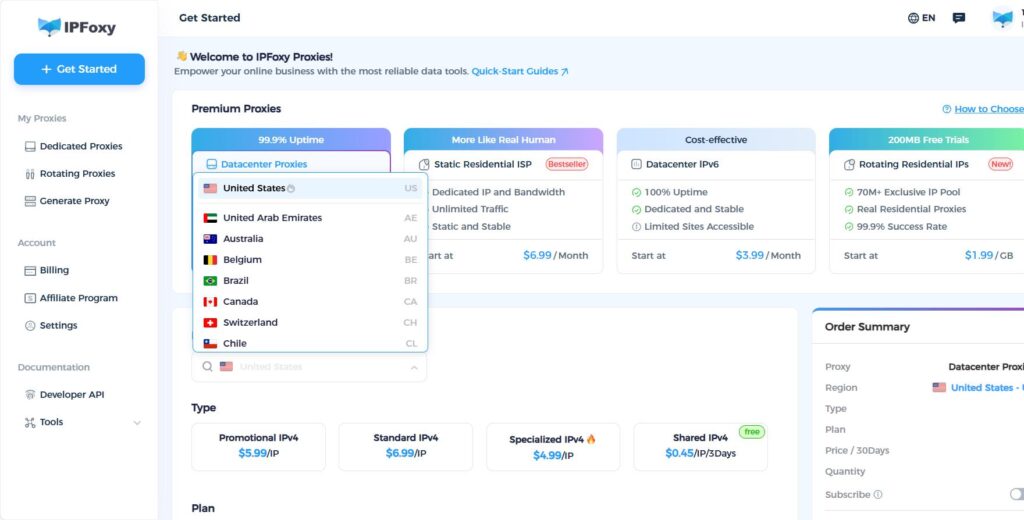
- Stable Device and Network Usage: Try not to switch devices frequently, and avoid changing IP addresses often. Use a stable, clean, and dedicated proxy like IPFoxy to reduce the risk of account flags.
- Message Control: Avoid sending too many messages or engaging in bulk messaging.
IV. Conclusion
By following the above strategies, you can take proactive measures to prevent your WhatsApp account from being banned. Focus on managing user behavior, maintaining a stable network environment, and fostering natural account activity. Patience and careful attention to detail are key to ensuring long-term account safety and stability.
This translation keeps the structure, format, and meaning of the original text while also adapting it to fit Google search trends and best practices for keyword optimization.

