On TikTok, traffic is everything. When your carefully made videos get stuck at 200 views, receive few likes, and can’t even be found by your followers, it feels like speaking into the void. This kind of invisible restriction is commonly known as a shadowban.
Although TikTok does not officially use the term “shadowban,” it refers to this situation as “reduced distribution” or “limited visibility.” Regardless of the wording, the result is the same: your videos are excluded from the For You feed and shown mainly to existing followers.
So how can you accurately check whether your account is being limited? This guide combines the latest tools and official methods to help you diagnose it.
I. What Is a TikTok Shadowban?
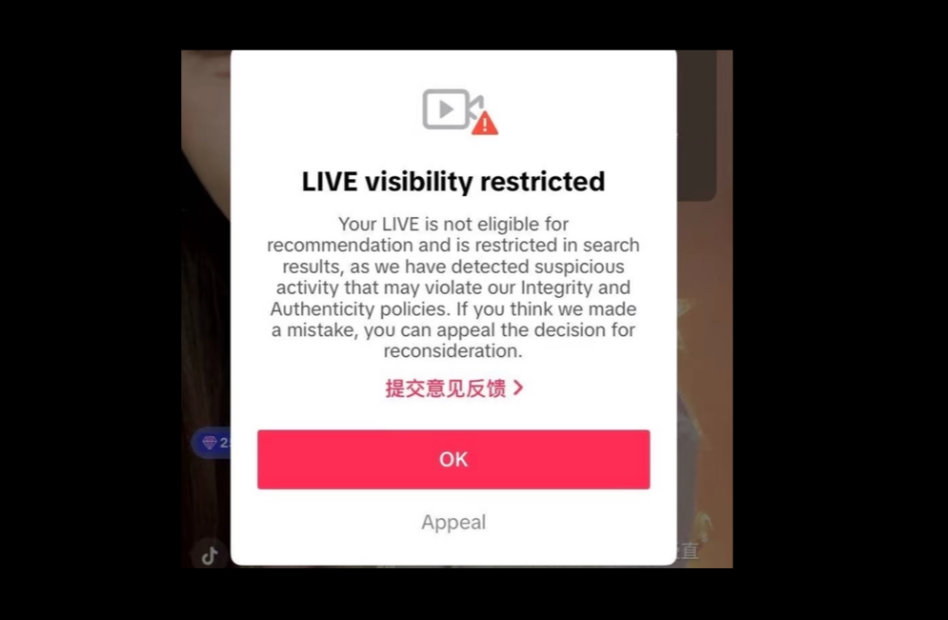
TikTok does not officially use the term “shadowban,” instead describing it as reduced distribution or limited exposure. This means your content is shown to fewer users. You can still post videos, but they may not appear on the For You page, in hashtag search results, or even in audio discovery. In most cases, only your existing followers can see your content, which significantly limits account growth.
This usually happens due to rule violations, such as:
- Violating community guidelines
- Posting spam or excessive repetitive content
- Using banned hashtags or audio
- Abnormal account behavior, such as frequent device switching or bulk actions
The challenge is that TikTok rarely notifies you directly. You need to infer it through performance data and behavior patterns, which makes self-checking essential.
Here are four common signs of a shadowban. If you experience two or more, you should be cautious:
| Symptoms | Performance |
| Views drop sharply | New videos perform far below your normal average (for example, dropping from 10K to 200–500), unrelated to content quality. |
| For You traffic disappears | Analytics show 0% or extremely low traffic from “For You,” with only follower or profile traffic remaining. |
| Content not searchable | Your account or videos cannot be found via username or hashtags from another account. |
| Follower growth stalls | You continue posting, but follower count stops growing or declines. |
If you notice these signs, the next step is to verify using tools and official channels.
II. Shadowban Self-Check Tools and Official Methods
Based on industry analysis, there is currently no official tool that directly accesses TikTok’s internal data. Third-party tools rely on public data patterns and should only be used as references.
1. TikTok Official Account Check
This is the most reliable method. Always check official information first.
- Path: Open TikTok → Settings and Privacy → Creator Tools / TikTok Studio → Account Check
- It shows your account status, violations, flagged content, and appeal options.
If your status is “good” but performance is poor, the issue may be content quality or low account trust rather than a direct restriction.
2. Third-Party Tools (Reference Only)
- GrumpyGit
Focuses on deeper analysis across device fingerprint, behavior patterns, originality, and engagement quality. Useful for identifying risks such as frequent account switching or abnormal activity.
- Spikerz
A more advanced social media security platform that analyzes engagement patterns against benchmarks. Suitable for brands or users managing multiple accounts.
- Bulkoid
A quick and free tool that evaluates recent performance and gives a risk score. Do not purchase any services from such platforms, as it may worsen account performance.
Important reminder: Any tool asking for your TikTok login credentials is likely a phishing attempt.
3. Manual Testing
You can also test manually:
- Hashtag test: Post a video with a unique, rarely used tag and check if it appears in search.
- Sound test: Use a non-trending original sound and see if it can be discovered.
III. How to Recover from a TikTok Shadowban
If you confirm your account is limited, do not panic. The following recovery steps typically take 2–4 weeks:
1. Clean Up Recent Content
Review videos from the past 1–2 months and remove any that may violate guidelines, even if not flagged. This includes sensitive topics, low-originality content, or risky tags and audio.
2. Check IP and Environment Quality
TikTok evaluates your network environment. If your IP is unstable, flagged, or shared with risky activity, your account trust may drop.
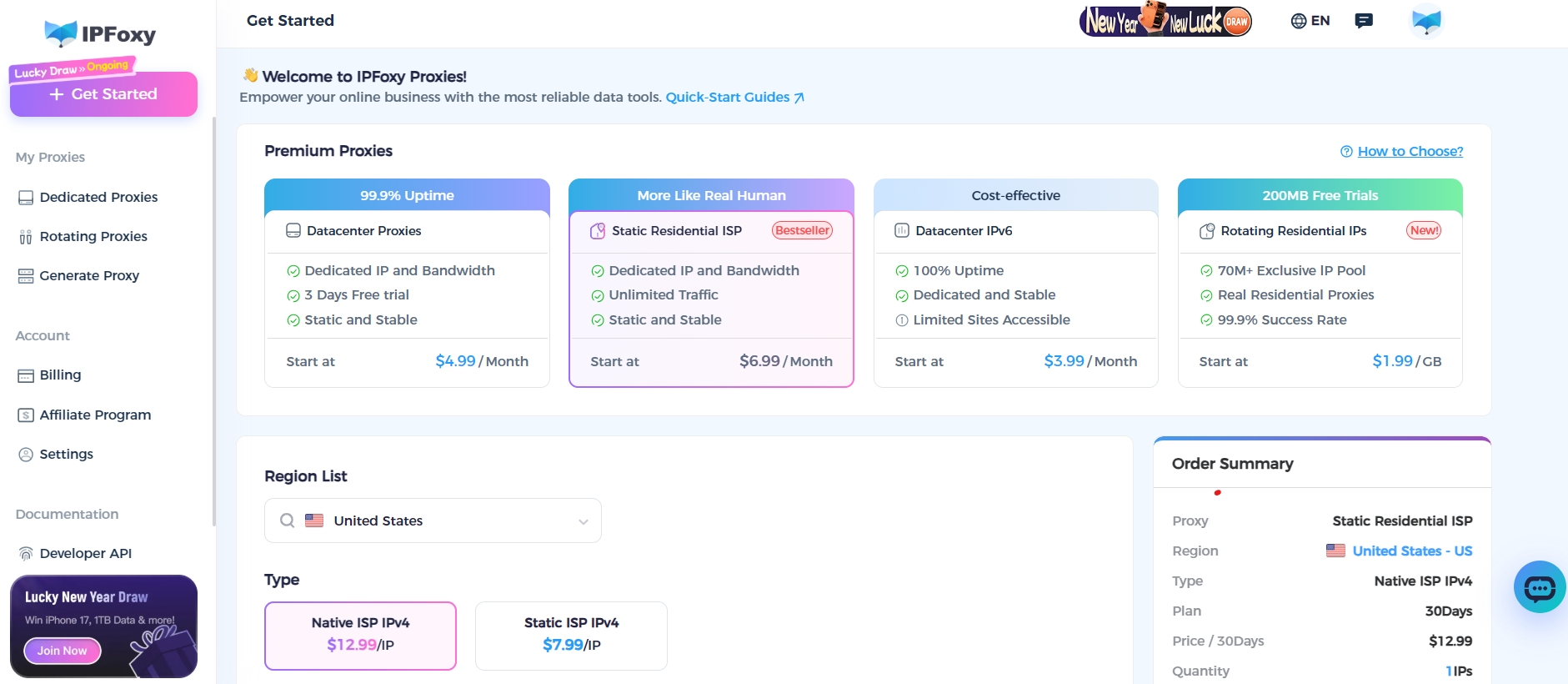
In practical operations, when managing multiple accounts on a single device or avoiding restrictions caused by network issues, teams often use solutions like IPFoxy’s dedicated static residential proxies, combined with cloud devices or an Anti-detect browser to isolate accounts. A clean, exclusive residential IP helps reduce the risk of being flagged for automated behavior or account linkage, supporting stable recovery and growth.
3. Enter a Cooling-Off Period
Pause posting and high-frequency actions for 48–72 hours. Use the platform normally, such as browsing and light interaction. This helps signal that your behavior is natural.
4. Resume Posting with High-Quality Content
After the cooling period:
- Ensure all content is original and high quality
- Avoid risky topics, tags, or audio
- Post consistently, ideally 1–2 videos per day
Recovery usually takes 2–4 weeks depending on the severity.
Conclusion
Most shadowban detection tools are diagnostic, not solutions. Tools like GrumpyGit, Spikerz, and TikTok’s official account check can help you understand your account status and possible issues.
However, be cautious. Many scams exist in this space. Never share your login details with third-party tools. Any service promising paid “unbanning” is likely fraudulent. Buying followers or engagement can further harm your account.