In 2026, running multiple Telegram accounts has become a common need. Whether for private traffic management, user acquisition, or building an account matrix, a stable multi-account setup is essential. However, many users still face frequent bans, verification issues, and abnormal logins. The root cause is usually a lack of proper setup logic and anti-ban strategies.
This guide covers the principles, setup methods, and practical anti-ban techniques to help you run multiple Telegram accounts safely and efficiently.
I. Comparison of 3 Telegram Multi-Account Methods
When running multiple Telegram accounts, different methods vary greatly in terms of security and stability. Choosing the wrong approach can easily lead to account bans.
- Official Multi-Account Switching
Telegram allows users to log in to multiple accounts and switch between them within the app (Settings → Add Account).
However, this method only supports up to 3 accounts, and all accounts share the same device and IP environment. It is not suitable for multi-account operations or batch management.
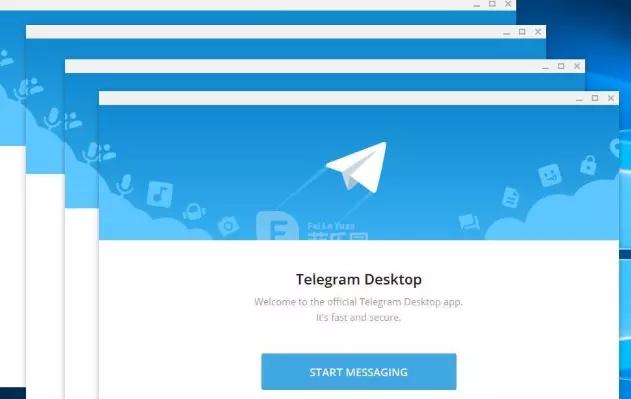
- Emulator or Multi-Instance Tools
Using emulators or multi-instance tools, you can run multiple Telegram instances on a single device.
While this appears to achieve multi-account operation, the device environment is highly similar and easily detected as the same user. Combined with low-quality proxy usage, the risk of account association increases significantly, leading to a higher ban rate. Not recommended for long-term use.
- Anti-detect Browser + Residential IP
By using an Anti-detect browser to create a separate environment for each account and assigning a dedicated residential IP, you can achieve true one-account-one-environment isolation while using Telegram Web.
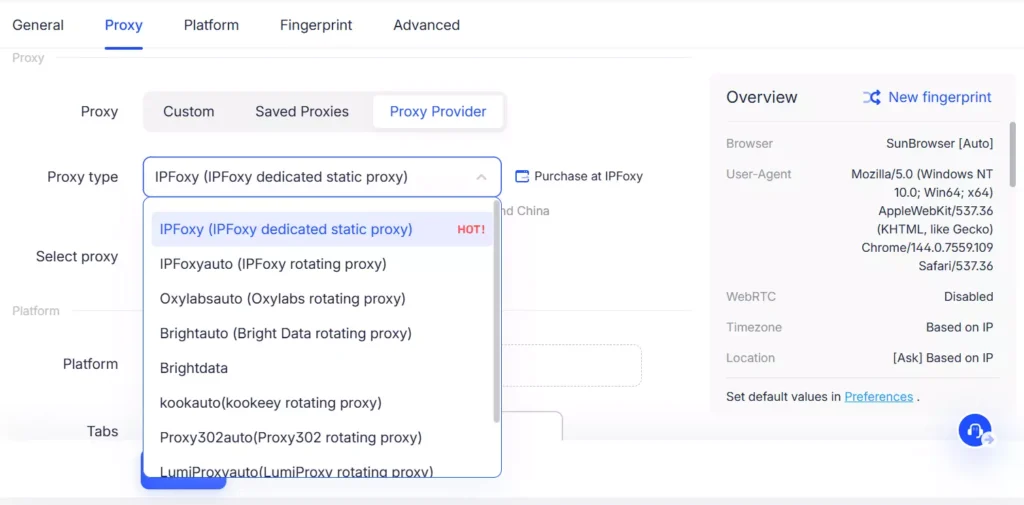
This method effectively avoids IP association and fingerprint duplication, making it the most stable solution for long-term multi-account operations and account matrix setups.
Overall, official switching works for small-scale use but lacks scalability. Emulator solutions carry high risks. Anti-detect browser combined with residential IP offers the best balance of security and stability.
II. Telegram Multi-Account Environment Setup Tutorial
The key to stable multi-account operation is proper environment setup. Simply running multiple accounts without isolation can easily trigger risk controls and lead to bans.
1.Prepare Accounts and Basic Resources
Before setting up, prepare the following:
● Multiple valid phone numbers for account registration or login
● Start with a small number of accounts for testing before scaling up
2.Configure Independent Environments for Each Account
If multiple accounts share the same IP or device environment, they can easily be flagged as linked.
Steps:
● Clean and isolated IP
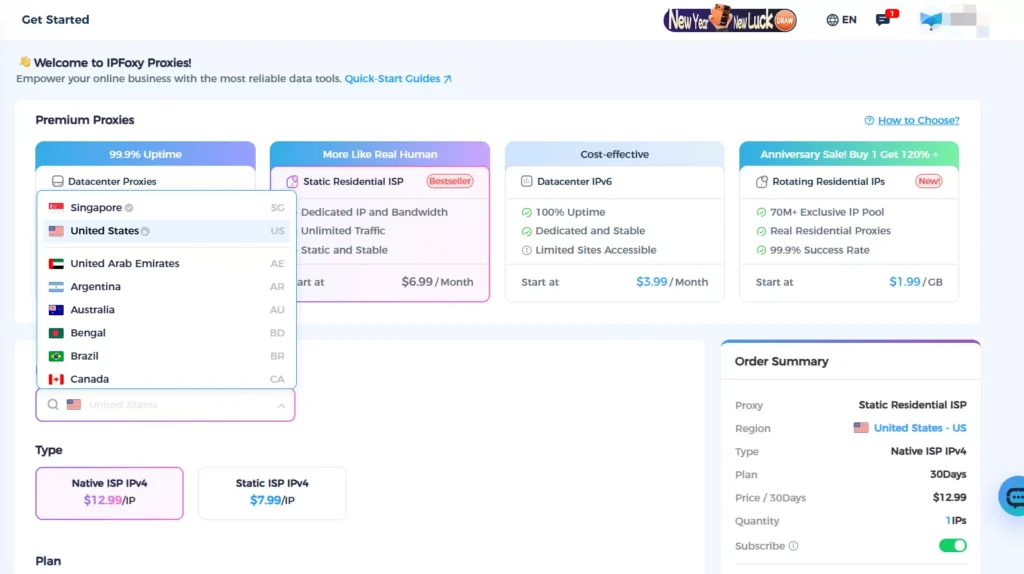
Avoid shared or low-quality proxy services, as they can trigger IP-based restrictions. It is recommended to use a stable dedicated static residential proxy, such as IPFoxy, which provides real ISP-backed IPs, exclusive usage, and stable connections. This helps create independent network environments for each account and reduces association risks.
IPFoxy supports IP coverage in over 200 countries, allowing flexible selection based on your operational needs, making accounts appear more like real local users.
● Browser environment isolation
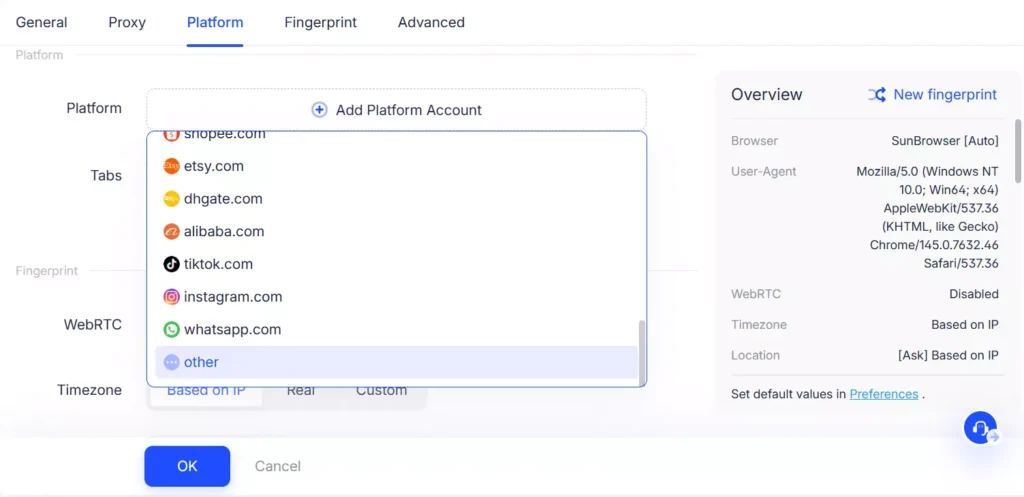
Telegram detects user behavior through device fingerprints. If multiple accounts use the same environment, they may be flagged.
Using an Anti-detect browser to create a separate environment for each account, combined with proxy configuration, ensures proper isolation at the device level and improves account stability.
3.Log in and Bind Accounts
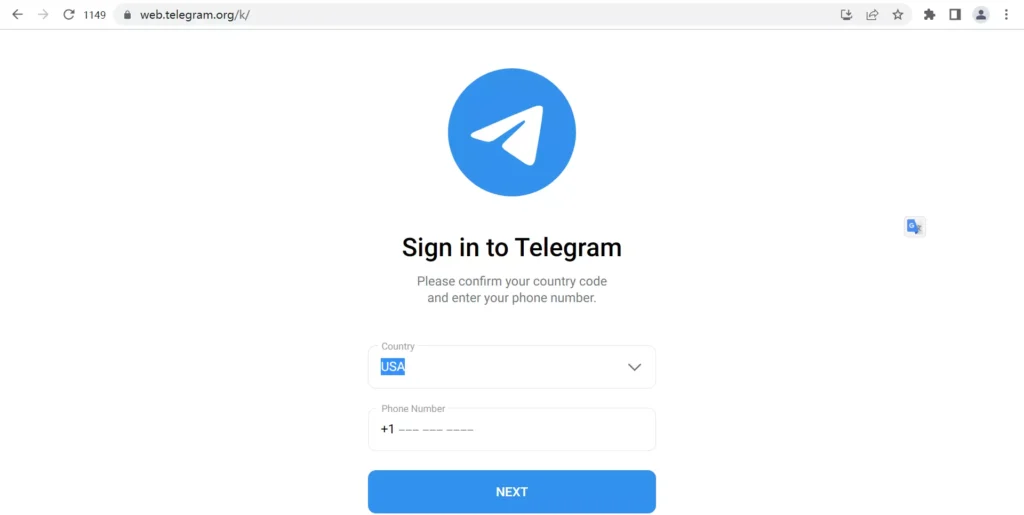
After configuring the environment and IP, log each account into its dedicated environment. Avoid switching the same account across different environments.
Steps:
Open the corresponding browser profile and log in to the Telegram account.
III. Telegram Multi-Account Anti-Ban Strategies
After setup, long-term stability depends on whether your operation behavior aligns with Telegram’s risk control logic.
1.Control Account Growth Pace
New accounts are more sensitive to risk detection. High-frequency actions in a short time can trigger restrictions.
Suggestions:
● Focus on browsing during the first few days
● Gradually increase actions like messaging, adding contacts, or joining groups
● Avoid immediate marketing or mass messaging after registration
2.Stagger Account Activity Timing
Operating multiple accounts simultaneously is easily detected as automation behavior.
Suggestions:
● Use accounts at different time intervals
● Avoid performing identical actions (e.g., adding contacts or sending messages) at the same time
3.Build Account Hierarchy
If all accounts serve the same purpose, a single restriction can cause major losses.
Suggestions:
● Divide accounts into main accounts, traffic accounts, and backup accounts
● Main accounts handle core communication and avoid risky actions
● Traffic accounts focus on user expansion with controlled frequency
● Backup accounts prepare for unexpected bans
4.Reduce Information Overlap Between Accounts
Even with proper IP and environment isolation, obvious similarities can still trigger detection.
Suggestions:
● Avoid using the same profile pictures or account details
● Do not add each other as contacts or join the same small groups
● Avoid sharing identical links across multiple accounts
IV. FAQ
Reduce operation frequency, avoid frequent logins and switching, and ensure your network environment is stable. If necessary, switch to a more reliable proxy.
New accounts have lower trust levels. Rapid or aggressive actions can trigger risk controls. Use them normally first, then gradually increase activity.
No. Frequent IP changes may appear abnormal. Stable IP usage is closer to real user behavior. Only change IP when necessary.
Summary
Running multiple Telegram accounts is not just about tools—it is a combination of proper environment isolation and operational strategy. Only by ensuring one account per IP and one account per environment, along with controlled activity behavior, can you achieve long-term stability.
If you are building a Telegram account matrix or managing multiple accounts, prioritize optimizing your environment and network quality first, then scale gradually. This approach helps reduce ban risks while improving overall operational efficiency.