












Since 2022, Russia has restricted access to platforms like Facebook and Instagram. However, the Russian market still offers significant opportunities for e-commerce companies. VKontakte (VK), the largest domestic social platform with over 100 million monthly active users, has become a key channel for customer acquisition.
VK’s risk control system for new accounts is becoming stricter, and improper operations can easily trigger account bans. This article systematically analyzes VK’s risk control logic and provides a detailed guide to prevent bans, covering the full process from account registration to stable operation.
I. Root Causes of VK Account Bans
From VK’s perspective, the core evaluation for new accounts is simple: whether you are a “real, stable, and naturally growing user.” The platform’s risk control system mainly operates around three points:
- Authenticity check: Complete personal profile, real avatar, and reasonable interests and activity patterns.
- Behavior rhythm check: Avoid “too fast social activity,” such as adding many friends or sending frequent messages in a short time, which the system interprets as marketing or automation scripts.
- Environment stability check: Stable IP, device, and location. Frequent changes are flagged as bulk or abnormal operations.
In short, VK does not simply look at what you do; it looks at whether your account behaves like a normal user. The three main reasons new VK accounts get banned are:
- Incomplete profile after registration
Many users stop at “can log in” without completing their profiles. In VK’s system, incomplete profiles are considered high-risk robot accounts. Accounts with empty profiles, missing avatars, or blank introductions are highly likely to be flagged or banned. - Aggressive early operations
New VK accounts are closely monitored. Immediately adding many friends or messaging strangers is seen as abnormal social behavior and triggers the ban mechanism. Proper practice is to “nurture” the account gradually after registration. - Frequent IP changes triggering security systems
VK is sensitive to login environments. Using low-quality proxies or frequently changing IPs, especially public or shared IPs, increases the chance of being flagged as an abnormal user.
II. VK Account Anti-Ban Guide
- Complete personal information immediately after registration
VK’s first risk control check focuses on profile completeness. Long-term empty avatars, blank introductions, or missing personal information easily lead to the system flagging the account as a robot.
Solutions:
- Upload a clear and real personal avatar immediately.
- Fill in basic information: occupation, hobbies, personal introduction.
- Avoid leaving fields blank, using templates, or including obvious marketing content.
- Don’t rush to add friends; first “nurture” the account
New accounts are monitored. Rapidly adding friends or sending messages is recognized as abnormal behavior.
Solutions:
- Focus on browsing, liking, and occasional commenting.
- Interact naturally with active users.
- Gradually grow social connections instead of mass adding.
- Ensure a stable and independent network environment
IP and login environment anomalies are the most easily overlooked but highest-risk factor. VK is sensitive to:
- Frequent IP changes
- Repeated shifts in IP locations
Solutions:
- Use real residential IPs, not data center IPs.
- Maintain a stable IP without frequent changes.
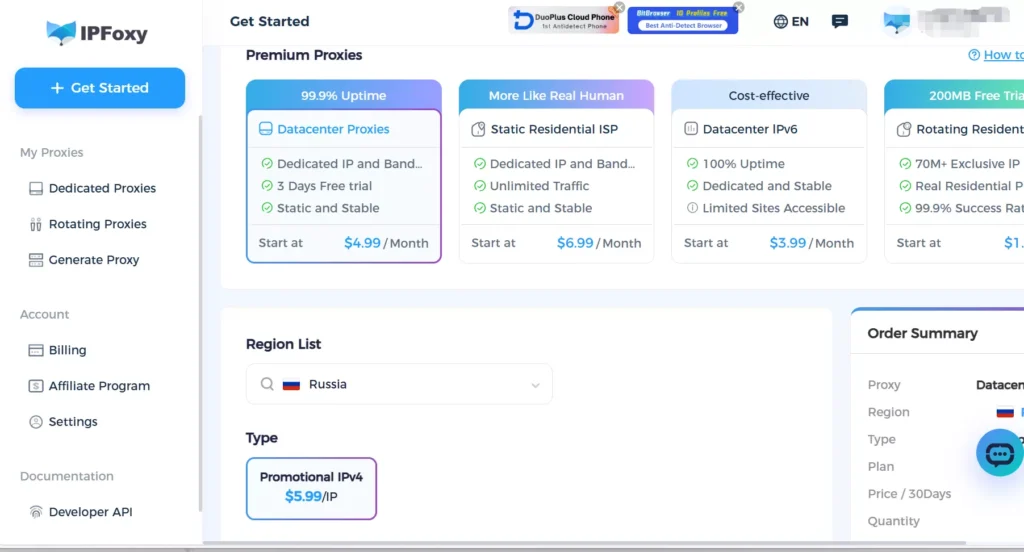
If using proxies, choose stable and clean IPs. Providers like IPFoxy offering high-purity residential IPs can enhance account authenticity and are friendlier for long-term VK operation.
III. VK Account Unban Guide: How to Recover a Banned Account
Even if your VK account is banned, don’t give up. Most new account bans are “false positives” and can be appealed.
- Determine the ban type
Different bans require different handling:
- Temporary Block: Shows “Suspicious activity,” restricting friend requests or messages, usually resolves automatically in 24–72 hours.
- Phone / Identity Verification: Requires linking a phone number or identity verification.
- Permanent Block: Account is permanently disabled; manual appeal is required.
Around 80% of new accounts fall into the first two categories.
- Official appeal process
If your account is blocked, use the official channel immediately:
- Open VK’s official appeal page.
- Select “My account was blocked” or “Account access issues” to submit an appeal.
- Verification stage
If VK requests face, identity, or phone verification:
- Use real personal information, not online images.
- Use a phone number that is valid long-term.
- Avoid repeatedly refreshing or retrying during verification.
- If the first attempt fails, wait 24 hours before retrying. Multiple failures increase risk levels.
- Post-unban recovery operations
Unban does not mean full safety. The 7–14 days after unban is critical:
- Do not add friends or mass message.
- Do not change profile info or avatar.
- Browse normally, like, and comment occasionally.
- Keep IP, device, and login environment consistent.
Treat the account as a “newly born account” and nurture it again.
IV. FAQ
A: If multiple appeals are rejected or permanent block messages appear, it is recommended to register a new account using a new IP, device, and browser environment, following the anti-ban guidelines strictly to avoid repeated bans.
A: No, friends are not directly affected, but you cannot interact during the ban. A new account needs to rebuild social connections gradually.
A: If certain functions are limited, like adding friends or posting, continue normal browsing and interactions while keeping a stable environment. Restrictions typically lift automatically in 24–72 hours.
A: Yes, and IP must remain stable. Using high-purity residential IPs like IPFoxy is recommended to avoid frequent node switching or virtual IPs.
V. Conclusion
VK’s ban system focuses on authenticity, behavior rhythm, and login environment stability. Accounts with complete profiles, natural operations, and stable IPs have a significantly lower risk of being banned. Even if banned, official appeals and identity verification can often recover the account. This anti-ban guide and FAQ aim to help VK users establish accounts, operate them steadily, and maximize platform value.

![SocNet — digital accounts and premium subscriptions store + SMM Panel for promotion [Review, Instructions 2025]](https://www.ipfoxy.com/wp-content/uploads/2025/11/blog-ip-2-870x570.png)